00 engagement
01 problem
Building and validating interactive in-game HUDs alongside out-of-game menus usually requires extensive custom UI programming in Unity. Game UI designers often struggle to test real gameplay feedback (like live score tracking and scene switching) without asking game developers to re-architect UI components.
02 approach
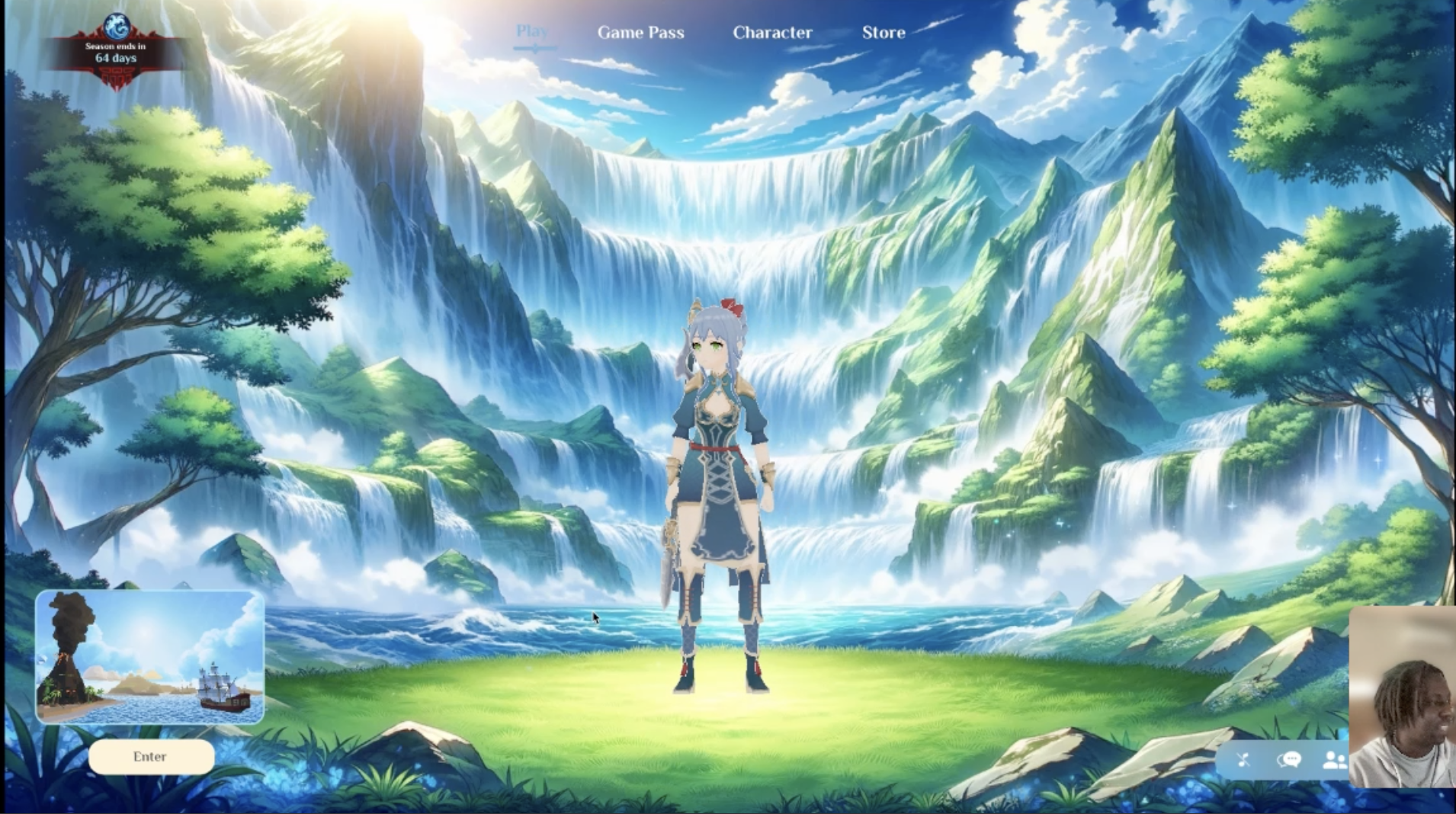
Designed an RPG game interface in ProtoPie Studio containing an interactive title menu, audio triggers, and an in-game gameplay HUD with a dynamic coin tally counter.
Built a multi-scene 3D environment in Unity (Main Menu and Island gameplay scenes) with player controller navigation and collectible item trigger colliders.
Integrated the ProtoPie Unity Plugin to map Send and Receive socket events between ProtoPie Connect and Unity's SceneManager.
Streamed live in-game collision data from Unity to ProtoPie to update score state variables in real time, and compiled a step-by-step tutorial published on the official ProtoPie blog.
03 stack
04 outcome
The demo proved full bi-directional communication between ProtoPie and Unity: clicking UI buttons shifted 3D game scenes, and in-engine gameplay actions were immediately reflected on the overlay UI. The tutorial gives studios a clear blueprint for speeding up game UI iteration and improving designer-developer handoff.