00 engagement
01 problem
Game studios often spend significant engineering resources rebuilding and testing UI directly inside engines like Unreal or Unity. When UI designers have no way to validate menu flows, transition timing, and sound design ahead of time, iteration loops slow down and the handoff between UI designers and engine developers gets clunky.
02 approach
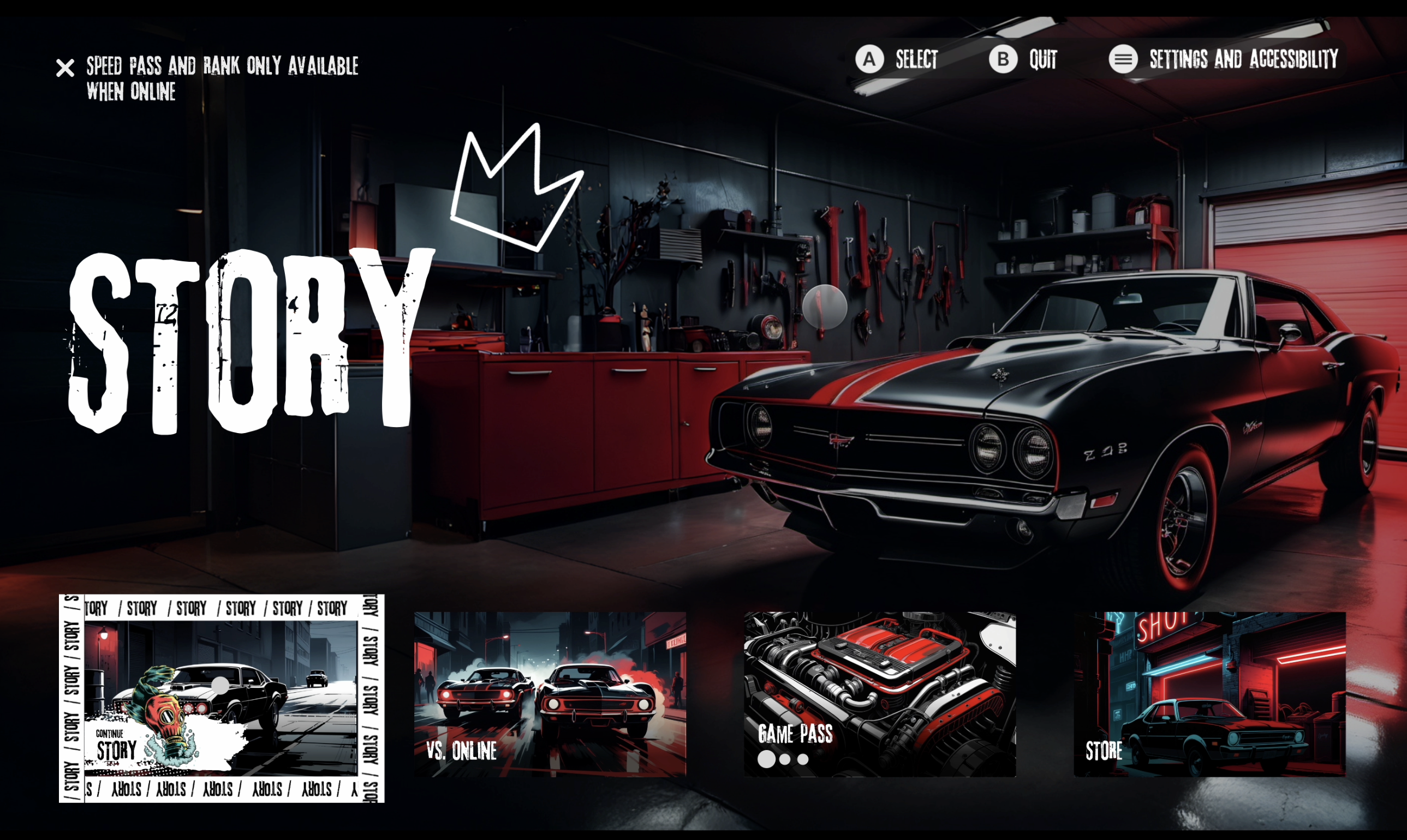
Designed an arcade-style racing game UI (inspired by the Need for Speed franchise) with intro video transitions, loading screens, and out-of-game menus.
Formulated modular navigation logic in ProtoPie Studio to handle controller/button inputs and screen state shifts.
Integrated synchronized audio cues and micro-interaction animations for tactile menu hover and selection states.
Packaged the prototype as a proof-of-concept targeting game studio design pipelines.
03 stack
04 outcome
The prototype showed that game UI designers can build, test, and refine end-to-end game menus with full interactive fidelity outside of a game engine. Studios can settle UI decisions early, save developer time, and align on technical direction before native engine integration begins.