00 engagement
01 problem
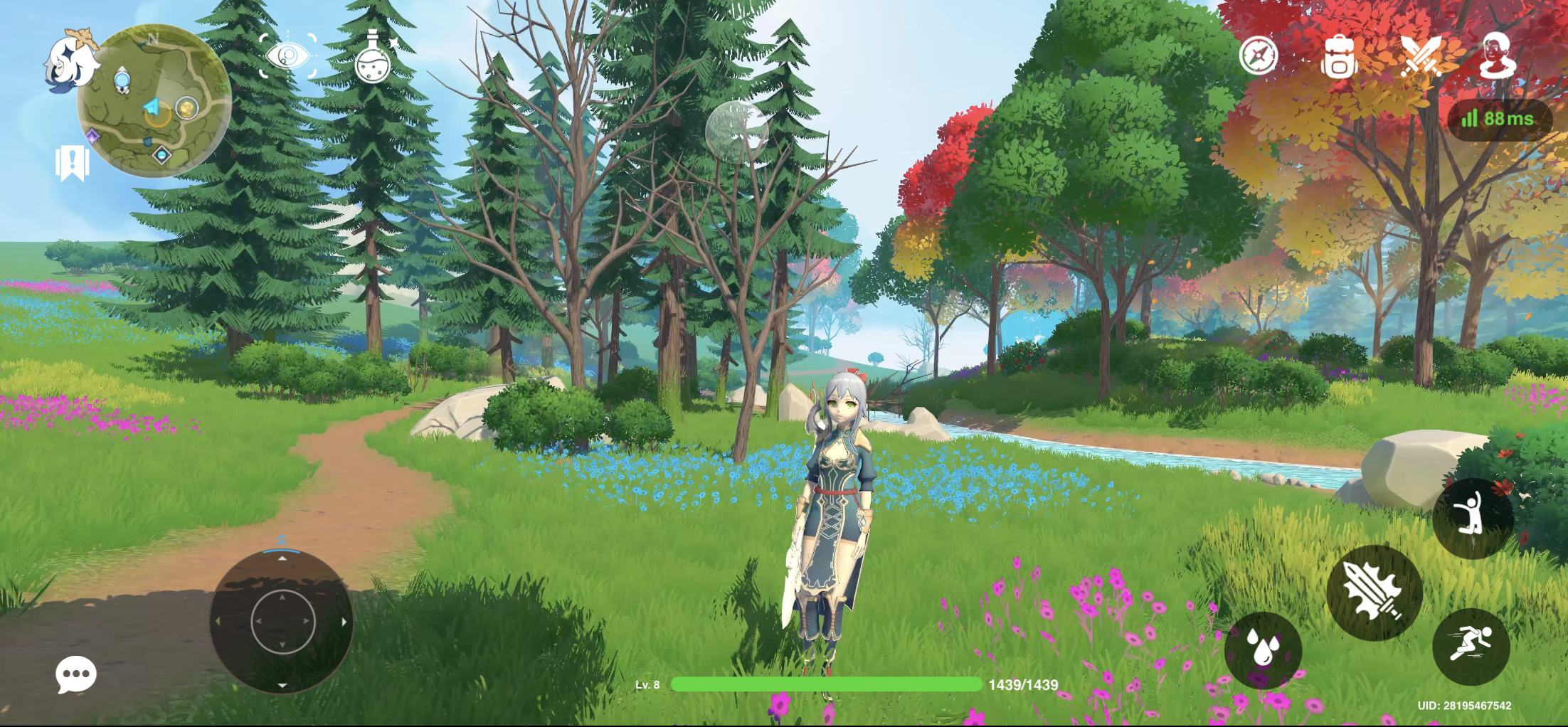
Modern open-world RPG user interfaces (like the ones in Genshin Impact) feature layered visual hierarchies, complex loading transitions, rich sound design, and animated vector assets stacked over cinematic 3D worlds. Reproducing and validating these out-of-game interactions directly in game engines takes a lot of developer time and slows down creative iteration.
02 approach
Built, lit, and recorded custom 3D scene loops in Unity Engine to serve as the high-fidelity cinematic video backdrop.
Deconstructed and redesigned the end-to-end user journey across an RPG title screen, login portal, server selection, and main out-of-game dashboard in ProtoPie Studio.
Embedded lightweight Lottie vector animations to power dynamic loading elements, button glow states, and decorative UI flourishes over the Unity video playback layer.
Programmed multi-nested component logic and formulas in ProtoPie Studio to handle realistic UI state switching, modal overlays, and responsive sound playback.
03 stack
04 outcome
The prototype showed that layered RPG game menus and transitions can be authored and playtested entirely in ProtoPie Studio while keeping cinematic visual fidelity with Unity video backdrops. Designers can evaluate look, responsiveness, and motion timing on their own, without needing engine developers to build test scenes.